
How to Audit Your Software Subscriptions and Cut Costs
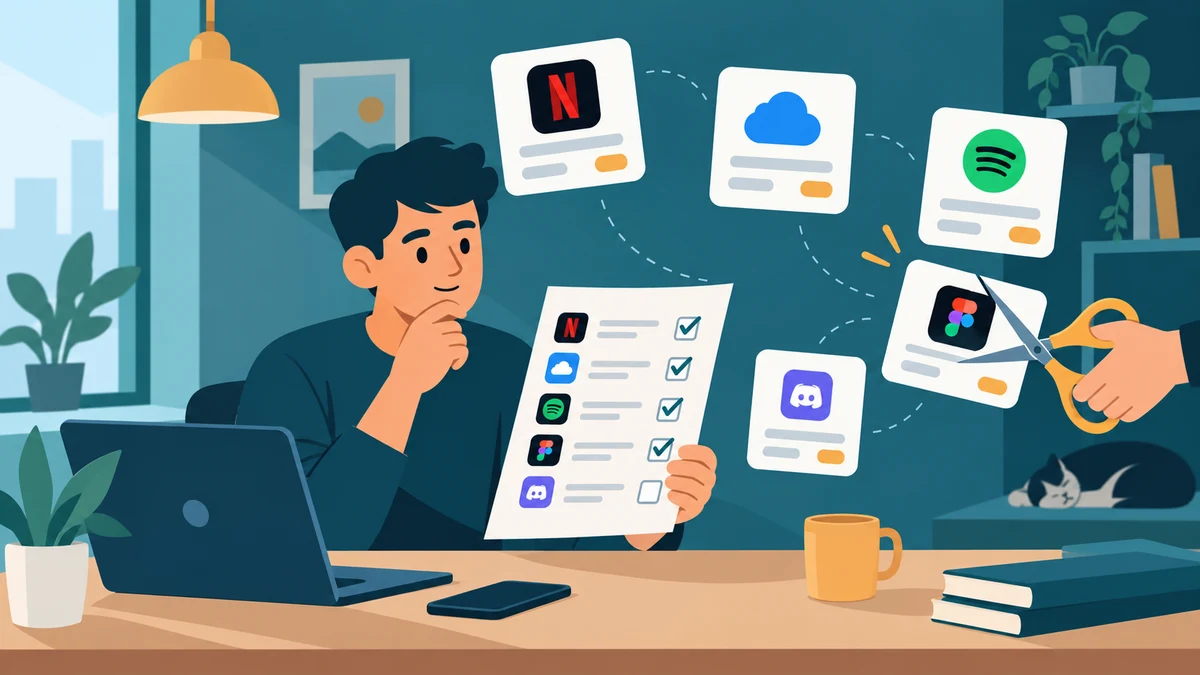
Most people can name maybe half of the subscriptions they pay for. The rest hide in app-store receipts, annual renewals they forgot about, and free trials that quietly converted six months ago. A subscription audit fixes that in about an hour – and it usually pays for itself immediately.
The numbers are uncomfortable. In a 2026 Self Financial survey of 1,272 U.S. adults, respondents had 3.4 active paid subscriptions on average, and 59.9% admitted at least one of them was going unused. The average waste: $26.79 per month, or roughly $321 a year, on services nobody opened. CNET’s 2025 survey with YouGov found a similar pattern: Americans spend about $90 a month on subscriptions, and around $17 of that goes to services they rarely or never use – about $205 a year gone. And it’s not just an American habit. Westpac’s 2025 research found Australians spend about 20% more on subscriptions than they think they do, with 38% of overspending caused by forgotten trial auto-renewals.
The fix is not a budgeting app or more willpower. It’s a one-hour audit, done once a quarter. Here’s exactly how to do it.
What a subscription audit actually is
A subscription audit is a complete inventory of every recurring charge tied to your name, followed by a keep/downgrade/cancel decision for each one. That’s it. No spreadsheets required (though one helps), no special software, no accountant.
The goal is not to cancel everything. The goal is to make sure every dollar leaving your account each month is a deliberate choice, not a leftover decision from last year.
Step 1: Find every recurring charge (30 minutes)
You can’t audit what you can’t see. Pull your subscription list from these five places, in order:
1. Your bank and credit card statements. Export the last 90 days and scan for repeating merchant names. Anything that appears more than once is a subscription or a candidate for one. Watch for charges with cryptic descriptors – “APPLE.COM/BILL”, “GOOGLE *Services”, “PAYPAL *NOTION” – and note the amount and date.
2. Your app store subscriptions. On iPhone: Settings > your name > Subscriptions. On Android: Play Store > profile icon > Payments & subscriptions > Subscriptions. These lists catch anything billed through Apple or Google, which never shows a recognizable name on your card statement.
3. Your email inbox. Search for “receipt”, “invoice”, “your subscription”, “renewal”, and “payment confirmation”. Annual renewals especially hide here – that design tool you bought last Black Friday bills once a year and is invisible in a 90-day statement scan.
4. PayPal and other payment intermediaries. PayPal > Settings > Payments > Automatic payments shows every merchant authorized to charge you. This list is often shocking. Old trials, forgotten tools, services from companies that changed names twice.
5. Your password manager. If you use one, scroll the login list. Every SaaS login you have is either a subscription, a former subscription, or a free tier worth checking. This catches work-adjacent tools that bill to email rather than a card.
Write everything into one list: service name, cost, billing cycle (monthly/annual), renewal date, and where it’s billed.
Step 2: Score each subscription (15 minutes)
For each item on your list, answer three questions:
- When did I last actually use this? Not “when did I last think about it.” Check the app, the login history, or your screen-time report. If you can’t remember, that’s your answer.
- What would happen if it disappeared tomorrow? Real disruption, mild annoyance, or nothing at all?
- Am I paying for the right tier? Many people pay for a Pro plan to get one feature, then never use it. Check whether the free or lower tier covers your actual usage. Our guide on free vs paid software and when upgrading is worth it walks through that decision in detail.
Tag each subscription one of four ways: Keep (used weekly, real value), Downgrade (used, but over-tiered), Pause (seasonal – streaming services are the classic case), or Cancel (unused 30+ days or pure inertia).
Step 3: Cancel, downgrade, and consolidate (15 minutes)
Now the satisfying part. Work through your Cancel and Pause list:
- Cancel directly in the app or account settings, not by deleting the app. Deleting an app does nothing to the billing.
- For annual plans, canceling usually stops the *next* renewal rather than refunding the current term. Note the date you lose access and keep using it until then.
- If a service makes canceling deliberately hard (the “call us to cancel” trick), check your card issuer – many banks let you block a specific merchant, and in the U.S. the FTC’s “click to cancel” rule pushes services to offer cancellation through the same channel you signed up with.
- Look for duplicates. Two note-taking apps, two cloud storage plans, three streaming services with overlapping catalogs. Keep the winner, cancel the rest. If you’re stuck between overlapping tools, head-to-head comparisons like Notion vs Obsidian vs Google Docs or Notion vs Obsidian can force the decision.
One warning: before canceling anything that stores your data (note apps, cloud drives, project tools), export what you need. Canceled accounts often keep data for a grace period, but not always.
Step 4: Stop the leak from reopening (5 minutes)
An audit is a snapshot. Subscriptions creep back. Three habits keep the list clean:
Set renewal reminders. Put every annual renewal in your calendar with a reminder two weeks before. That window is your chance to decide consciously instead of auto-paying.
Use virtual or single-merchant cards for trials. Several banks and card services let you generate a card number per merchant. Set a low limit or an expiry date, and a forgotten trial simply declines instead of charging you.
Schedule the next audit. Quarterly works for most people. It takes 20 minutes once you have the list – you’re only checking what’s new and what’s changed.
Don’t forget work, family, and “free” subscriptions
Three categories slip past most audits:
Work-adjacent tools. Freelancers and remote workers often pay for tools a client or employer would reimburse – or already provides. Before renewing that project management seat or stock photo plan, check whether your company has a team account you can join. Paying out of pocket for something your employer licenses is the most avoidable waste on this list.
Family and shared plans. Streaming, music, and cloud storage all offer family tiers that cost slightly more than an individual plan but cover 4-6 people. If two people in your household each pay for individual Spotify or iCloud plans, consolidating usually saves 30-40%. The reverse also applies: if you’re on a family plan with people who’ve moved on, downgrade. The Self Financial survey found 76.2% of subscribers share logins – make sure the sharing is actually saving you money, not subsidizing someone else’s usage.
Free tiers that aren’t free forever. Some “free” tools hold your data hostage: export features, storage over a limit, or history past 30 days sit behind the paywall. During your audit, note which free tools you’d lose real work in if they changed their terms. Those deserve a backup habit, not blind trust.
How much can you actually save?
Based on the survey data above, a realistic first-audit result for an average subscriber is $15-30 per month: cancel two unused services, downgrade one over-tiered plan, and catch one duplicate. That’s $180-360 per year. People with long subscription histories (freelancers, small business owners, anyone who trials lots of software) regularly find $50+ per month.
The bigger win is structural: once you know your real monthly software spend – the survey data suggests most people underestimate it by around 20% – every future purchase decision gets easier. New tool? You know exactly what it replaces and what it has to beat.
If you’re rebuilding your software stack from the audit results, start with the category-level framework in our guide to choosing productivity software – it keeps you from re-subscribing to five tools that solve the same problem.
Subscription audit worksheet
Use this table as your template. Copy it into a spreadsheet or a note:
| Field | What to write | Example |
|---|---|---|
| Service | Name as it appears on your statement | GOOGLE *YouTubePremium |
| Cost | Amount per billing cycle | $13.99 |
| Cycle | Monthly or annual | Monthly |
| Renewal date | Next charge date | 14th of each month |
| Billed via | Card, PayPal, App Store, etc. | Apple ID |
| Last used | Honest answer | 2 months ago |
| Decision | Keep / Downgrade / Pause / Cancel | Cancel |
| Monthly saving | What canceling frees up | $13.99 |
Frequently asked questions
How often should I audit my subscriptions?
Quarterly is the sweet spot for most people. Monthly is overkill – subscription lineups don’t change that fast – and annually lets forgotten trials run too long. If you trial new software frequently, do a quick 10-minute check monthly and a full audit quarterly.
Is it better to pay monthly or annually?
Annually saves 15-20% on most software, but only for tools you’re certain to use all year. A good rule: pay monthly for the first 2-3 months while you test whether the tool sticks, then switch to annual once it’s proven. Never start a new subscription on an annual plan.
What’s the fastest way to find forgotten subscriptions?
Your card statements for recurring merchant names, plus your app store subscription list (iPhone: Settings > your name > Subscriptions; Android: Play Store > Payments & subscriptions). Those two sources catch about 90% of what you’re paying for. Email searches for “receipt” and “renewal” catch the annual stragglers.
Will canceling a subscription delete my data?
Usually not immediately, but it depends on the service. Most SaaS tools keep your data for 30-90 days after cancellation; some delete it faster. Before canceling anything that stores files, notes, or projects, export a copy. It takes five minutes and removes the risk entirely.
Can I get a refund for a subscription I forgot to cancel?
Sometimes. Many services will refund the most recent charge if you ask within a few days of it hitting, especially annual renewals – it’s cheaper for them than a chargeback. Ask politely within a week of the charge. Your odds drop sharply after that.
Should I use a subscription-tracking app instead?
You can, and apps that connect to your bank account do automate the discovery step. But they add another subscription (or data-sharing trade-off) to your list, and they can’t make the keep/cancel judgment for you. A 20-minute quarterly manual audit gets you 95% of the benefit with no new tools.
Sources
- Self Financial – Cost of Unused Paid Subscriptions (2026 survey of 1,272 U.S. adults)
- CNET/YouGov 2025 subscription spending survey, reported by The Desk
- Westpac media release: Australians and subscription waste (August 2025)
- MarketWatch Guides Subscription Fatigue Survey (June 2025)
All figures verified against these sources on November 7, 2026.
The bottom line
A subscription audit is the highest hourly wage you’ll earn this month. One focused hour – find every charge, score it honestly, cancel what’s dead, set reminders for what’s left – recovers $200-400 a year for the average person and permanently fixes the visibility problem. Put the next audit in your calendar before you close this tab.




4 Comments